

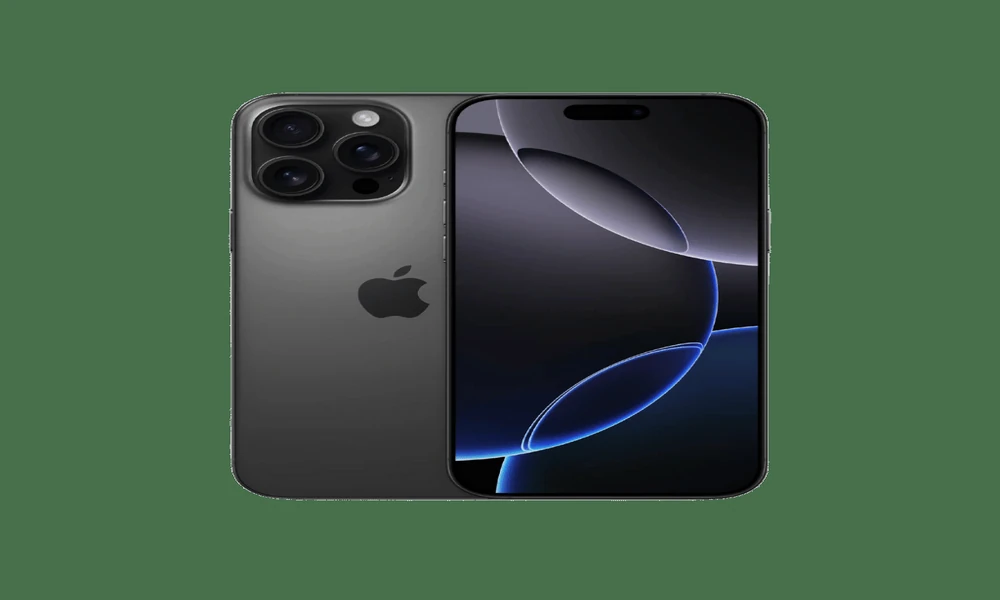
Buying a refurbished iPhone can be one of the best ways to get flagship performance without the premium price tag. But unlike buying new, refurbished devices require a bit more attention before you click “Add to Basket.”
In this guide, we’ll break down the key things every UK buyer should check – so you get a device that performs like new and lasts.
Explore refurbished iPhones at Backed Buy here:
https://backedbuy.com/product-category/smartphones/apple-phones/
1. Battery Health – The Lifeblood of a Phone
Why it matters:
Battery condition determines how long your phone lasts between charges. Used flagship iPhones can have worn batteries – and replacing them costs time and money.
What to check:
Battery health percentage (ideally 85%+ for refurbished)
Whether the refurbisher has performed a battery replacement
If the phone comes with a battery health guarantee
At Backed Buy, all refurbished iPhones undergo thorough testing – including battery assessment – so you know you’re getting a handset that won’t die halfway through your day.
2. Screen Condition – Visibility and Touch Response
What to look for:
- No cracks or deep scratches
- Even brightness and colour balance
- Fully responsive touch screen with no dead zones
Refurbished phones may have minor cosmetic marks, but the screen should be fully functional. If you’re buying online, check for official photos and condition descriptions (e.g., Excellent, Good).
Backed Buy lists accurate grading so you know exactly what to expect before you buy.
3. Unlock Status – Freedom to Choose Your Network
Why this matters:
An “unlocked” iPhone is not tied to any specific carrier. That means:
- You can use it with any UK network (EE, Vodafone, O2, Three, etc.)
- You can switch SIMs when roaming abroad
- You aren’t locked into one provider’s coverage or price plan
Check that the product listing clearly states Network: Unlocked before purchasing. If it isn’t unlocked, you could face extra fees or need to request an unlock from the previous carrier.
Backed Buy specifies unlock status clearly on all listings so you can purchase with confidence.
4. Warranty & Returns – Peace of Mind Matters
A warranty lets you buy with confidence. Without one, you could be stuck if the device fails soon after purchase.
When comparing refurbished sellers, check:
Length of warranty (30 days, 90 days, 12 months)
What it covers (battery, screen, internal components)
Whether returns are free or supported
Backed Buy offers a warranty with every refurbished device – a big advantage over private sellers or marketplaces with no protection.
Check current warranties on Backed Buy here:
https://backedbuy.com/backed-buy-inspection-warranty/
5. Storage Size – How Much Space Do You Really Need?
Refurbished iPhones come in various storage capacities, and the right size depends on your usage:
- 64GB: Basic use (messages, light apps)
- 128GB: Most users (photos, apps, streaming)
- 256GB+: Heavy use (video, large files, creative work)
Think ahead – you can’t expand storage later on iPhones – so buy the right size the first time.
Quick Checklist Before You Buy
Before you hit purchase, make sure the listing clearly states:
Battery health / replacement status
Screen condition & grading
Unlocked for all networks
Warranty included
Suitable storage capacity
If any detail is missing, ask the seller before buying. Good sellers like Backed Buy provide these clearly so you don’t need to guess.
Final Tip: Ask Questions Before You Buy
Refurbished devices are often as good as new – but only if you choose wisely. If you’re ever unsure about the condition, unlock status, or warranty terms, send a quick query to the seller.
Getting the right information upfront means fewer surprises and a better user experience.
Where to Start
Browse the full range of refurbished iPhones – all with clear grading and warranty options – here:
https://backedbuy.com/product-category/smartphones/apple-phones/