

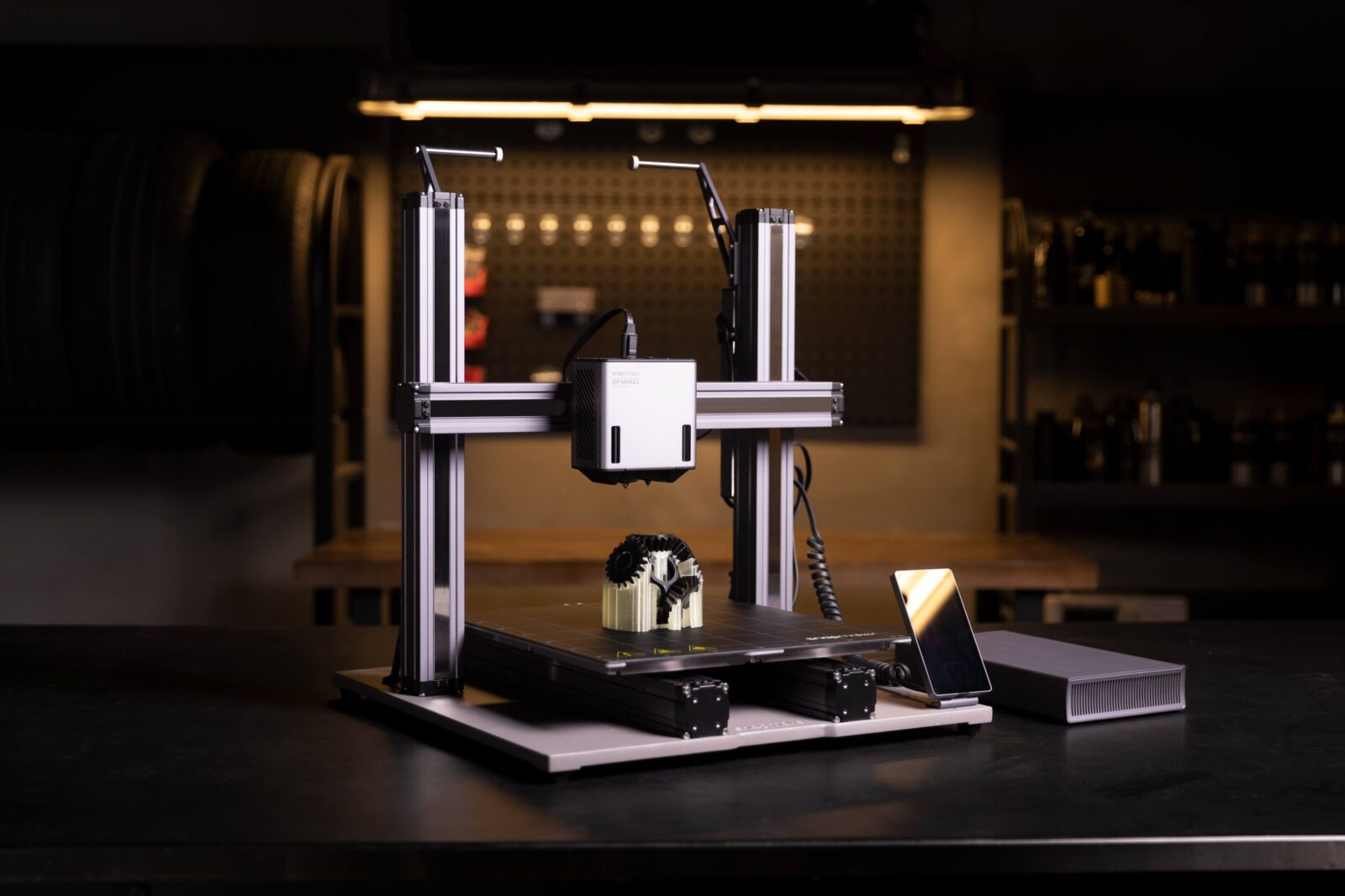
The high-strength 3D printer filament unlocks the potential for 3D printing durable, load-bearing parts in home workshops. These materials, designed to withstand mechanical stress, are ideal for functional components like brackets, gears, or structural supports. However, achieving optimal results requires careful selection and fine-tuned printing techniques. This guide explores practical strategies for choosing and using high-strength filaments to create robust parts without costly trial and error.
Understanding High-Strength Filaments
High-strength filaments are engineered for enhanced tensile strength, impact resistance, or stiffness compared to standard materials like PLA. Common options include:
- Nylon (Polyamide): Known for toughness and flexibility, nylon excels in parts requiring impact resistance, like hinges or tool handles. It’s prone to moisture absorption, which can affect print quality.
- Polycarbonate (PC): Offers exceptional strength and heat resistance, ideal for industrial-grade components like machine guards. It requires high printing temperatures (around 250–300°C).
- Carbon Fiber Composites: Blends like carbon fiber-reinforced PLA or PETG combine stiffness with lightweight properties, perfect for drone frames or automotive parts.
- PETG: Balances strength and ease of use, suitable for moderately stressed parts like mounting brackets. It’s less brittle than PLA but less demanding than PC.
Each filament type has unique properties, so matching the material to your project’s load requirements is critical. For example, a gear enduring constant torque benefits from nylon’s durability, while a static support might suit carbon fiber’s rigidity.
Selecting the Right Filament
Start by defining your part’s mechanical needs. Consider:
- Load Type: Is the part under tension, compression, or shear? Nylon handles dynamic loads well, while polycarbonate resists deformation under heavy static forces.
- Environmental Factors: Will the part face heat, moisture, or UV exposure? Polycarbonate withstands high temperatures, but nylon requires drying to prevent warping in humid conditions.
- Printer Compatibility: Check your 3D printer’s temperature range and bed adhesion capabilities. Polycarbonate demands a hotend capable of 300°C and an enclosed build chamber to prevent warping.
For home workshops, PETG or carbon fiber-reinforced PETG often strikes a balance between strength and printability on budget printers. Always verify filament specifications, as manufacturers may vary in quality or additives.
Optimizing Print Settings
High-strength filaments require precise printer settings to maximize performance. Key parameters include:
- Nozzle Temperature: Set temperatures according to the filament’s recommended range. For example, nylon typically prints at 240–260°C, while polycarbonate may need 270–300°C. Too low, and layers won’t bond; too high, and you risk degradation.
- Bed Temperature: A heated bed (60–100°C) ensures adhesion. For nylon, use glue stick or painter’s tape on a PEI sheet to combat poor bed adhesion.
- Print Speed: Slow speeds (30–50 mm/s) improve layer bonding, critical for strength. Fast printing can weaken interlayer adhesion, especially in composites.
- Cooling: Minimal cooling enhances layer adhesion for most high-strength filaments. Turn off the fan for nylon and polycarbonate, but use 20–30% fan speed for PETG to prevent stringing.
- Layer Height: Thinner layers (0.1–0.2 mm) increase strength by improving bonding but extend print time. Balance strength with practicality based on your project.
Test prints are essential. Start with a small prototype, like a tensile test bar, to dial in settings before committing to a large part.
Design Considerations for Load-Bearing Parts
Part geometry significantly impacts strength. Optimize your design with these tips:
- Wall Thickness: Increase wall thickness (at least 2–3 mm) for structural integrity. Thicker walls distribute stress better in load-bearing parts.
- Infill Density and Pattern: Use 40–60% infill for strength without excessive material use. Triangular or gyroid infill patterns offer better load distribution than grid or honeycomb.
- Orientation: Align the part to minimize layer lines along stress directions. Printing gears vertically, for instance, ensures layers resist shear forces better.
- Supports and Overhangs: Avoid overhangs in critical areas, as supports can introduce weak points. Design parts to be self-supporting where possible.
Use CAD software to simulate stress points if available, or reinforce high-stress areas with fillets or chamfers to reduce fracture risks.
Post-Processing for Enhanced Durability
Post-processing can further strengthen parts:
- Annealing: Heat parts (e.g., polycarbonate at 100–120°C for 30 minutes) to relieve internal stresses and improve crystallinity. Ensure proper ventilation and monitor for warping.
- Sanding and Smoothing: Smooth surfaces reduce micro-cracks, improving fatigue resistance. Use fine sandpaper (400–800 grit) for nylon or PETG.
- Sealing: Apply epoxy coatings to nylon parts to reduce moisture absorption and enhance surface durability.
Always test post-processed parts under load to ensure improvements.
Practical Tips for Home Workshops
- Storage: Store filaments in airtight containers with desiccants, especially nylon, to prevent moisture-related defects.
- Calibration: Regularly calibrate your printer’s bed leveling and extrusion multiplier to ensure consistent results.
- Experimentation: Print small test pieces to evaluate filament behavior before tackling complex projects. Adjust one setting at a time to isolate effects.
- Safety: High-temperature filaments like polycarbonate emit fumes. Use an enclosed printer or work in a well-ventilated area.
Conclusion
High-strength filaments enable home workshops to produce functional, load-bearing parts with the right approach. By selecting the appropriate filament, fine-tuning print settings, optimizing part design, and applying post-processing, you can achieve professional-grade results on the consumer 3D printer. Start small, test thoroughly, and iterate to master these materials for your next project.